Best Manager Log Book Apps for 2026: What to Pick
Christian MontenegroNovember 12, 202611 min read

The best manager log book app is the one your managers will actually open at the end of every shift, and that also lets you check the work got done. For a restaurant that only needs shift notes, a focused logbook tool such as ShiftNote is a solid fit. If you want the notes tied to tasks, photo proof, scheduling and goals in one place, Bossy is the one we built for that. Below, we compare the real options, what they cost, and how to choose.
TL;DR
- A manager logbook app replaces the paper binder or the group text: shift notes, issues and follow-ups live in one searchable place.
- A third-party pricing breakdown lists ShiftNote from $50 per location per month (check its pricing page). Jolt leans toward food safety checklists. Mitti suits inspections and audits.
- The feature that separates a log from a to-do list is proof: photo verification and a manager approval step.
- Bossy combines the logbook habit with task verification, scheduling, inventory and team goals. Shift notes and the Log book come with the Operations plan; a Free plan covers task assignment and verification.
- Pick by the problem you have: notes that get lost, tasks that get skipped, or locations that run differently.
Table of Contents
- What a manager logbook app actually does
- What to compare before you choose
- The best manager log book apps compared
- Logbook only, or logbook plus verified work?
- Running multiple locations
- How to roll out a logbook app without a revolt
- Which one should you pick?
- Try Bossy for your team's logbook
- FAQ
- Sources
What a manager logbook app actually does
A manager logbook is the running record of a shift: what sold, who called out, what broke, what a guest said, what the next manager needs to handle. On paper, it lives in a binder that gets coffee on it. In an app, it is searchable, timestamped and visible to everyone who needs it, from any phone.

The real value is the handover. When the morning manager flags a broken walk-in fridge, the closer sees it, follows up and does not start from scratch. If you want a starting point, our shift notes template and shift handover checklist work in any tool, paper included.
Most managers record the same handful of things:
- Sales and labor numbers for the shift
- Staffing changes, call-outs and late arrivals
- Equipment and maintenance problems
- Guest or customer feedback
- Cash and inventory notes
- Tasks that must be finished by the next shift
If a note cannot turn into a task with an owner, it tends to get forgotten. That is the gap the better apps try to close.
What to compare before you choose
Before looking at brands, decide which of these matter for your team. Nucleus Research's 2026 Task Management Value Matrix says vendors are differentiating through proof-of-completion workflows, photo and video verification, and audit-driven corrective actions, and through tying tasks, communications and forms into one frontline experience. In plain words, buyers are asking for more than a place to type notes.
Here is the checklist we would use:
- Notes that turn into tasks. Can a shift note become an assigned, tracked item?
- Proof of work. Photo proof and a manager approval queue, or just a checkbox?
- Accountability. Does every entry carry a name and a timestamp?
- Multi-location consistency. Can every site use the same template?
- Scheduling and time clocks. Are they included, or another subscription?
- Pricing shape. Per location, per user, or a flat fee? Watch what happens when you add seats.
- Ease of use. If a new hire cannot learn it in a shift, it will not get used.
The best manager log book apps compared
| App | Best for | Pricing noted | Logbook strength |
|---|---|---|---|
| Bossy | Frontline teams of 3 to 150 that want verified work | Free plan; shift notes from the Operations plan at $30 per month | Notes, tasks with photo proof, approvals, scheduling, goals |
| ShiftNote | Restaurants wanting a dedicated manager logbook | From $50 per location per month (third-party listing) | Daily logbook, shift notes, reports, cash management |
| Jolt | Food safety and checklist compliance | Check its pricing page | Checklists with a manager's logbook for shift notes |
| Mitti (SafetyCulture) | Inspections and audits | $24.00 per user per month for team use (third-party listing) | Inspection forms and issue tracking |
| eLogger | Industrial plants | Enterprise quote | Operator rounds and plant logs |
Bossy
Bossy is an operations platform for businesses with 3 to 150 frontline employees. We built it around one idea: a log tells you what happened, but you also want to know the work was done. So tasks come with photo proof and a manager approval queue, not just a checkmark.
Beyond the notes, Bossy includes recurring checklists, employee scheduling, geofenced time clocks, inventory counts and transfers, team chat and announcements, goal tracking and 1-on-1s. Task assignment and verification are on the Free plan; shift notes, the Log book, photo proof, checklists, scheduling, time clocks and inventory come with Operations; team chat and 1-on-1s come with Growth; Scale + has both. Restaurants, salons, fitness studios, agencies, multi-shop retail and warehouses are the teams we have in mind. See how it works for hospitality teams.
Prices as published on our pricing page: Free at $0 with 10 users, Operations at $30 per month, Growth at $25 per month, Scale + at $50 per month, and Enterprise on request. Bossy through Shopify is $79 per month, with everything in Scale +, billed through your Shopify account. On paid plans each additional user is $5 per month; on Free, extra users come in blocks of 10 for $10 per month.
Suits: owners who are not on the floor every shift and want notes, proof and accountability in the same tool.
ShiftNote
ShiftNote is built around the manager logbook. According to a ShiftNote pricing breakdown, the base plan is $50 per location per month with unlimited employees and includes a daily logbook, task list, cash management, document storage, shift notes and shift reports. ShiftNote + Scheduler is $100 per location per month, and Enterprise is $150 per location per month.

A separate comparison lists a ShiftNote Manager's Logbook at a $34.95 one-time payment, which appears to be a different, simpler product. Check which one you are looking at before you compare prices.
Suits: restaurants that want a dedicated logbook and are happy to pay per location.
Jolt
Jolt is a digital food safety and operations checklist platform for restaurants. Per Hospitality Technology, it reports more than 15,000 customers and over 1 billion completed tasks. It records the employee name, result and timestamp on each task, supports Bluetooth temperature probes, and includes a manager's logbook for shift notes, plus content management for multi-location consistency.
Suits: restaurants where temperature logs and food safety checklists are the main headache.
Mitti by SafetyCulture
Mitti is free to download, but team use requires a paid plan. The same comparison page lists it at $24.00 per month per user. It is geared toward inspections and issue reporting.
Suits: teams that run regular audits and inspections more than they run shift handovers.
7shifts
7shifts is a restaurant scheduling platform that also offers a manager log book module. If you already schedule there, adding the log is convenient. Prices and which tier includes the log change, so confirm on the vendor's own page. We also wrote a full rundown of 7shifts alternatives if scheduling is your main need.
Suits: restaurants already built around a scheduling tool.
eLogger
eLogger is a plant operator log for industrial sites, with enterprise quote-based pricing that depends on facility count, operator team size, modules and custom integrations. It is a different animal from a restaurant logbook, so skip it unless you run a plant.
Logbook only, or logbook plus verified work?
This is the real decision. A logbook-only tool records what managers say happened. That helps with memory and handovers. It does not tell you whether the walk-in got cleaned or the cash drawer got counted.
Think about the last time something slipped. Was it that nobody wrote it down? Or was it that someone wrote "done" and it was not? If it is the second one, you need proof, not more notes.
That is why we link logs to tasks. A closing checklist item can require a photo. The manager reviews it in an approval queue. The note then says what happened, and the photo shows it. Our guide to SOP software for frontline teams goes deeper on capturing and verifying procedures.
Our point of view
Plenty of owners run a logbook and still feel blind. The binder is full, but they do not trust it, because a note is only someone's word. We think a manager log should be the start of a loop: write it down, assign it, prove it, approve it.
We also think logs belong next to the rest of the job. When scheduling, tasks, inventory and goals live in one system, a note about a short-staffed Friday connects to the schedule that caused it. And when a daily task rolls up to a company goal, managers see why the checklist matters, not just that it exists.
That is what we designed Bossy to do for teams of 3 to 150, where the owner cannot be everywhere.
Running multiple locations
Once you have more than one site, consistency is the whole game. Each location should log the same key details, so an area manager can compare apples to apples. Use one shared template for shift reports, one list of recurring tasks, and one way to flag issues.
If you want to think harder about combining numbers across sites, this piece on how to roll up multi-location data covers the reporting side. Whichever tool you choose, ask whether a template change at headquarters reaches every store the same day.
How to roll out a logbook app without a revolt
A new tool fails when managers see it as extra paperwork. A few habits help:
- Start with one location and one shift. Prove it works before you go wide.
- Keep the template short. Five to seven fields beats a twenty-field form nobody finishes.
- Retire the paper binder on a set date. Two systems at once means neither gets trusted.
- Read the logs yourself. If managers know you read them, they write them well.
- Turn recurring problems into recurring tasks. If the same issue shows up three times, it deserves a checklist item.
- Check that phones are enough. Your managers should not need a back office computer.
Also confirm how data is stored and exported. You should be able to get your records out if you ever switch.
Which one should you pick?
- You only need shift notes and cash tracking at a restaurant: ShiftNote is built for that.
- Food safety checklists and temperature logs lead your worries: look hard at Jolt.
- You run inspections and audits: Mitti fits.
- You want notes, verified tasks, scheduling, inventory and goals together, on a small-business budget: Bossy.
If you are not sure, the cheapest way to learn is to run your next two weeks of handovers in a free plan or trial of the tool you're considering and see whether managers keep using it.
Try Bossy for your team's logbook
If your handovers live in a binder or a group chat, you can move them into Bossy and tie each note to a task with photo proof and an approval step. Shift notes, the Log book and photo proof come with the Operations plan ($30 per month for 15 users). You can also start on the Free plan for task assignment and verification, then upgrade when you need more. See the details on our pricing page.
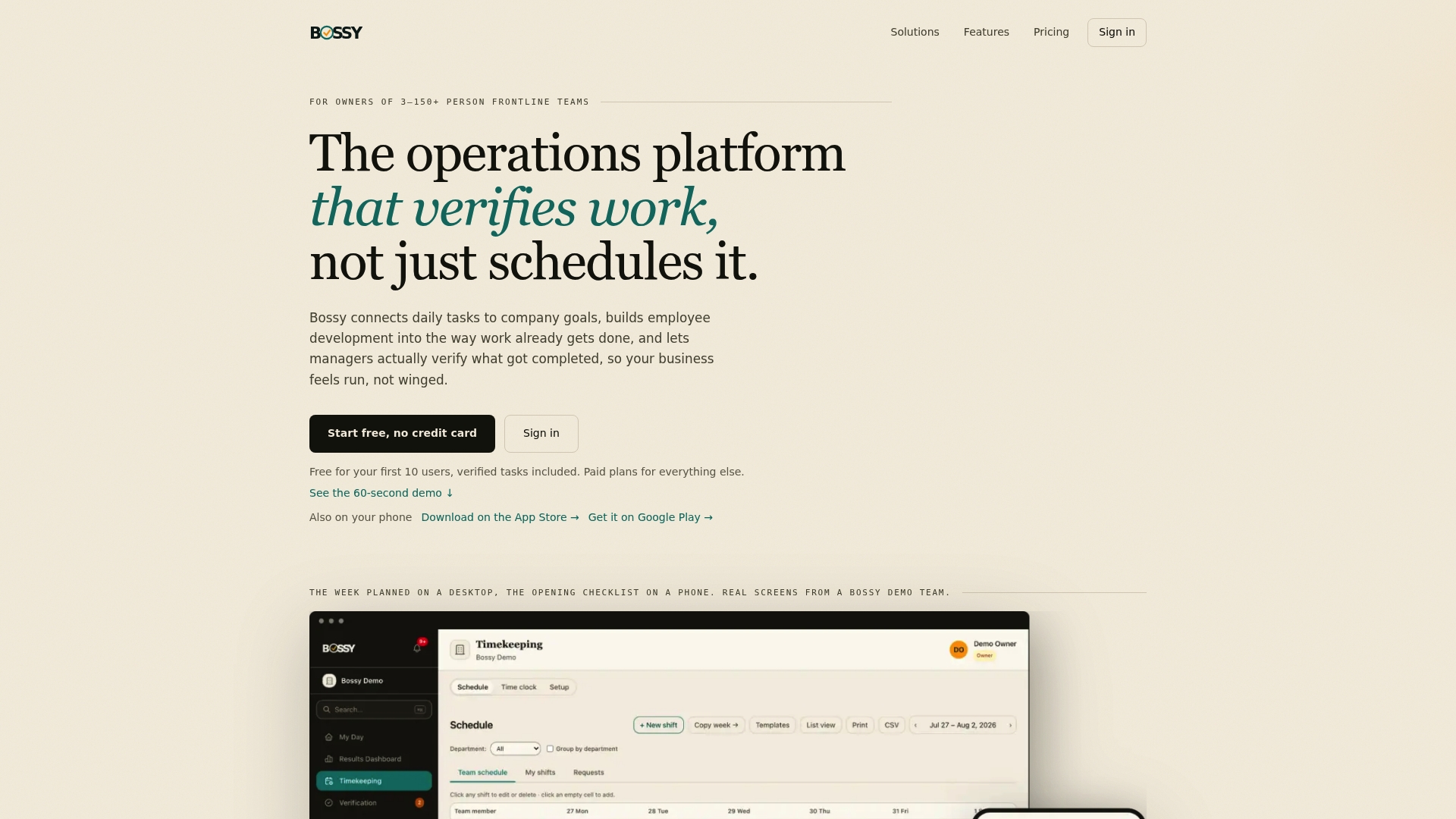
Want to see the whole toolkit first? Browse the Bossy features or head to the Bossy homepage.
FAQ
What is a manager log book app?
It is a digital version of the manager's shift binder. Managers record sales, staffing, issues, guest feedback and tasks for the next shift. Everything is timestamped and searchable from a phone.
Is there a free manager log app?
Some tools offer free tiers or free downloads with limits. Bossy has a Free plan for task assignment and verification (extra users come in blocks of 10 for $10 per month); its shift notes and Log book are on the paid Operations plan. Mitti is free to download, but team use needs a paid plan.
What should a restaurant manager logbook include?
Cover sales and labor, call-outs, equipment problems, guest feedback, cash and inventory notes, and tasks for the next shift. Keep it short enough that managers finish it every time. Our shift notes template is a good place to start.
Should I pay per location or per user?
That depends on your team shape. Per-location pricing, like ShiftNote's, suits a few sites with large teams. Per-seat pricing can suit smaller teams with a few managers. Add up your real headcount and locations before comparing.
Sources
- Nucleus Research Task Management Value Matrix 2026
- ShiftNote pricing breakdown
- ShiftNote Manager's Logbook vs. Mitti comparison
- Jolt Digital Checklists, Hospitality Technology
- eLogger review and pricing
- How to roll up data from your multi-location business