Best Restaurant Task Management: How to Choose in 2026
Christian MontenegroNovember 8, 202612 min read

The best restaurant task management system is the one that proves a task got done, not just one that lists it. For most independent owners and small groups, that means a tool with recurring checklists, photo proof, a manager approval step and a view across every location. Below, we compare the kinds of tools you will meet, name the well-known options, and show how to match one to your restaurant.
TL;DR
- Checklists tell your team what to do. Task verification (photo proof plus manager approval) tells you it was actually done.
- Restaurant tools fall into four groups: all-in-one restaurant platforms, scheduling-first tools, general project tools, and operations platforms built around tasks. Pick the group before you pick the product.
- Compare on five things: recurring checklists, completion proof, multi-location oversight, connections to your scheduling and POS, and how fast a new hire can learn it.
- Bossy is our pick for owners who are not on the floor every shift. It starts with a Free plan for task assignment and verification, and paid plans run from $25 to $50 per month.
Table of Contents
- What restaurant task management software actually does
- The four kinds of tools you will compare
- What to compare before you choose
- How the well-known options line up
- Why Bossy is our pick for task management
- What it costs
- How to roll out a task system without a revolt
- Ready to try it?
- FAQ
- Sources
What restaurant task management software actually does
Every restaurant runs on small jobs that nobody sees until they are missed. Wipe the walk-in shelves. Log the fryer oil change. Count the bar stock. Restock the line before the dinner push.

Task management software turns those jobs into assignments with an owner, a deadline and a status. The better ones repeat them on a schedule, so opening, mid-shift and closing routines show up without anyone typing them again.
Why does that matter for accountability? Because a paper checklist can be ticked at 4 p.m. for work that was never done. A good system asks for something harder to fake, like a photo of the clean station, and puts it in front of a manager.
If you want the longer version of this idea, we wrote a separate guide on how to pick a restaurant task management system that works.
The four kinds of tools you will compare
Search for this topic and you will find lists that mix very different products. A reservation platform and a prep checklist app both call themselves "restaurant software." Sort them first.
All-in-one restaurant platforms
These bundle several back-of-house jobs, often accounting, inventory and purchasing, in one login. Restaurant365 and Marketman show up on most roundups for this reason. They suit larger groups that want finance and purchasing tied together. Task handling is usually one module among many.
Scheduling-first tools
7shifts is a workforce platform built for restaurants, with scheduling and time tracking at its core, according to a current roundup of restaurant management software. Tools like this answer "who works when." They are less focused on "did the work get done." If scheduling is your main pain, see our look at restaurant scheduling software that verifies work.
General project tools
ClickUp and similar apps can be set up for restaurants, with deadlines and shared task lists. They are flexible, but you build the opening checklist, the approval flow and the recurring rules yourself. That is a real project for a manager who already has a full shift.
Operations platforms built around tasks
This is the group Bossy sits in. Tasks, checklists, scheduling, inventory, team chat and goals live in one place, and the whole thing is designed for managers who cannot watch every worker directly.
What to compare before you choose
Feature lists are long and most of them look alike. Five questions separate the tools that work from the ones that get abandoned in a month.
| What to check | Why it matters in a restaurant | What good looks like |
|---|---|---|
| Recurring checklists | Opening, prep and closing repeat daily | Set once, assigned by role and shift, shown at the right time |
| Completion proof | Ticks without proof are easy to fake | Photo proof and a manager approval queue |
| Multi-location view | Owners need the same standard in every store | One dashboard showing what is late or skipped, by location |
| Connections | Double entry kills adoption | Works with your scheduling, time clock and inventory |
| Ease of use | Turnover is high and training time is short | A new hire can use it on a phone in the first shift |
Recurring checklists that match your day
A restaurant day has rhythms: open, lunch turn, afternoon reset, dinner, close. Your tool should let you build a checklist per rhythm and assign it to a role, not a person, so the right cook or server sees it when they clock in. Our copyable restaurant prep list shows how a simple prep routine can double as a waste tracker.
Proof that the job was done
This is where most checklist apps stop short. A task that can be marked done with one tap is a suggestion. A task that needs a photo, then lands in a queue where a manager approves or sends it back, is a standard. That second version is what lets an owner step away from the floor without the quality slipping.
One view across locations
If you run two or more sites, ask how you would see all of them at once. You want the late and skipped tasks to surface to you, rather than you digging through each store. The same goes for stock: a five-step rollout for multi-location inventory is worth reading before you commit to any system.
Connections to scheduling, POS and payroll
Task tools rarely live alone. Your schedule decides who can be assigned a task, your time clock decides who is actually in the building, and your inventory decides what needs ordering. A system that holds scheduling, geofenced time clocks and stock counts in the same place avoids the identity mismatches that crop up when several vendors are stitched together.
That is a real risk with connected stacks. One operations guide warns that connectors can break when vendors change pages, and that systems without a public API are hard to link. It also points to mismatched staff identities across POS, time clock and payroll systems. The practical lesson: the fewer separate systems you need to glue together, the fewer places a task can quietly fail.

Speed to learn
A tool nobody opens is worth nothing. Look for a clean phone view, simple language and a short setup. Our guide to going live with restaurant inventory in three weeks shows the kind of timeline we think is reasonable for a small team.
How the well-known options line up
Pricing changes often, and several vendors do not publish a number. For example, Momos asks visitors to book a call through its demo page rather than showing a price. So rather than quote figures we cannot verify, here is how the options compare on what they are built for.
| Option | Built mainly for | Task strength | Best fit |
|---|---|---|---|
| Bossy | Frontline operations and team development | Verified tasks, recurring checklists, approval queue, goals | Owners with 3 to 150 frontline staff who are not on the floor every shift |
| 7shifts | Restaurant scheduling and labor | Lighter, centered on shifts and time | Teams whose main pain is the schedule |
| Restaurant365 | Restaurant accounting and operations | One module in a wider suite | Larger groups wanting finance and purchasing together |
| Marketman | Inventory and purchasing | Centered on stock | Operators focused on ordering and costs |
| Momos | Guest engagement and marketing | Not task-first | Brands focused on customer communication |
| ClickUp | General project management | Flexible, but you build it | Managers who like to design their own system |
The honest takeaway: if the problem is "my crew says it's done and it isn't," you want verification built in, not bolted on.
Why Bossy is our pick for task management
Bossy links daily tasks to company goals and checks that work was done. Here is what that looks like in a restaurant.
- Task assignment with proof. Assign a task, ask for photo proof, and review it in a manager approval queue.
- Recurring operational checklists. Opening, closing and cleaning routines repeat without retyping.
- Scheduling and geofenced time clocks. Know who is scheduled and who is actually on site.
- Inventory control. Stock counts, ordering and transfers between locations.
- Team communication. Announcements, plus Loop team chat with voice notes and polls, so the message lands where the work is.
- Goals and analytics. Cascading goals connect the shift checklist to what the business is aiming for, with analytics dashboards and audit export for visibility.
- Development tools. 1-on-1s, feedback and growth tasks, because people who feel they are growing tend to stay.
Which plan includes what: the Free plan covers task assignment and the verification queue. Operations adds photo proof, recurring checklists, scheduling, the time clock, inventory and cascading goals. Growth adds Loop chat, 1-on-1s, feedback and growth tasks. Scale + includes both, and every paid plan has announcements, analytics dashboards and audit export.
You can see how this is set up for your type of business on our task and team management for restaurants page.
What it costs
Bossy publishes its plans, so you can plan your budget before talking to anyone. These are the prices listed on our site:
| Plan | Price |
|---|---|
| Free | $0 per month (10 users included) |
| Operations | $30 per month (15 users included) |
| Growth | $25 per month (15 users included) |
| Scale + | $50 per month (35 users included) |
| Enterprise | Custom, contact us |
| Bossy through Shopify | $79 per month (everything in Scale +, billed through your Shopify account) |
Plans charge a base rate for a set number of users. On paid plans, each additional user costs $5 per month; on Free, extra users come in blocks of 10 for $10 per month per block. Extra locations are 50% off the base price, and yearly billing is 20% off. Check the Bossy pricing page for what each plan includes today.
Our perspective
Most restaurant owners do not have a shortage of checklists. They have a shortage of certainty. The list says the walk-in was cleaned, but you were home, so you cannot know.
We built Bossy around one idea: trust runs on your presence, and you cannot be everywhere. So the system has to carry some of that presence for you. Photo proof and an approval queue let a manager hold the line on standards even on a shift the owner never sees.
We also think tasks should not float free. When a daily job connects to a bigger goal, like fewer wasted ingredients or faster turns, people understand why it matters. And when the same tool holds 1-on-1s, feedback and growth tasks, the crew sees a path forward, which is how teams get better at keeping people.
That is why we put scheduling, inventory, communication and analytics in a single system for teams of 3 to 150. Fewer tools means fewer gaps for a task to slip through.
How to roll out a task system without a revolt
Even the right tool fails if the rollout is sloppy. A simple sequence helps.
- Start with one routine. Pick closing. It is the one most likely to be skipped when the owner is gone.
- Write tasks as actions, not wishes. "Wipe and photograph the prep station" beats "clean station."
- Ask for proof on the few tasks that matter. Not every item needs a photo. Reserve it for food safety, cleanliness and anything customers notice.
- Review the approval queue daily for two weeks. Your crew learns that someone is looking, kindly but consistently.
- Add the next routine. Opening, then mid-shift resets, then inventory counts.
- Name an owner for the system. One person who answers questions and fixes broken tasks.
Watch the automated parts
If you automate reminders or scheduled checks, plan for the day one does not fire. The Poros Ops guide recommends having off switches and an on-call person for when scheduled checks fail. The same habit applies to anything customer-facing you automate; the thinking in automating support without losing the human touch is about exactly that: someone must own the failure when automation misses.
Ready to try it?
If your crew's checklists are ticked but the work still slips, a system with proof built in is the fix. Bossy starts with a Free plan, so you can assign your closing tasks and see the approval queue in action before you move up to Operations for recurring checklists and photo proof.
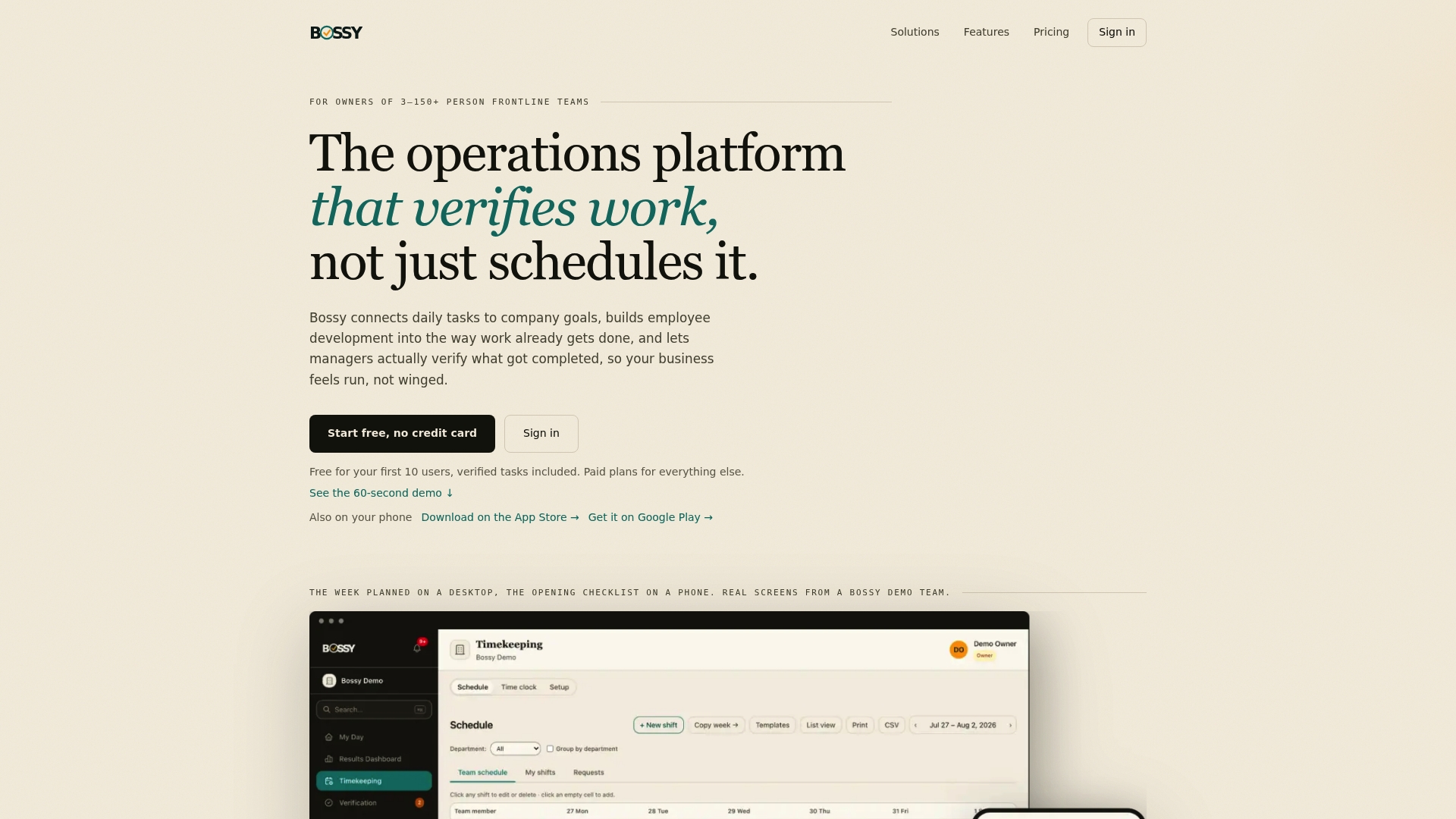
Get started from the Bossy home page, or compare plans on the pricing page. If you also take orders directly, our online ordering system for restaurants sits alongside the same team tools.
FAQ
What is restaurant task management software?
It is software that turns daily restaurant jobs into assigned, scheduled tasks with deadlines and a status. Better tools add recurring checklists, photo proof and manager approval so you can see that work was finished, not only that someone ticked a box.
Do I need separate tools for scheduling and tasks?
You can use separate tools, but every extra system is another place for staff records and tasks to go out of sync. A single platform with scheduling, time clocks and tasks keeps who is working and what they must do in one view. Bossy's Operations plan covers all three.
How is task management different from a restaurant management suite?
A suite usually covers accounting, purchasing or POS, with tasks as one feature. A task-focused platform starts from daily execution: what must be done, by whom, by when, and proof of completion. Many owners choose the second for the floor and run it alongside the first for finance.
Can I start free?
Yes. Bossy has a Free plan for task assignment and verification, with paid plans at $25, $30 and $50 per month and additional users at $5 per month each. See the pricing page for what each plan includes before you upgrade.
Sources
- Restaurant Operations Automation Guide, Poros Ops
- Momos Guest AI, Get A Demo
- 12 Best Restaurant Management Software For 2026