Employee Announcements: Templates and Examples for Frontline Teams
Christian MontenegroNovember 14, 202616 min read

A good employee announcement leads with the news in one plain sentence, says what it means for each person, and names the next step. Then it reaches people where they actually read: the phone in their pocket, not an inbox they check twice a week. Below you'll find copyable examples for the five announcements managers send most, and a way to find out who read the message and who acted on it.
If you run a restaurant, salon, studio, shop or warehouse, you already know the problem. Half the team is off shift when you post something. Someone sees the note on the break room wall, someone else never does, and on Saturday you're explaining the new rule for the third time.
TL;DR
- Put the news and the date in the first sentence. Add why, what changes for the reader, and who to ask.
- Match the channel to the urgency: chat or push message for same-day changes, a written post for anything people will need to look up later.
- New hire announcements run about 150 to 300 words, go out before or on day one, and need the new hire's okay on any personal details.
- Departures get one clear written message with the last day and who covers what. Say the reason only if the person agrees.
- An announcement isn't finished when it's sent. Attach a task to it, so you can see who did what it asked.
Table of Contents
- What counts as an employee announcement?
- The shape every announcement should follow
- Pick the channel before you write the message
- New employee announcement: template and example
- Promotion announcement example
- Policy and schedule change announcement example
- Announcing that someone is leaving
- Training announcement example
- The step most announcements skip: confirm it happened
- Announcements and tasks in one place with Bossy
- Our view: an announcement is a promise you have to keep
- FAQ
- Sources
What counts as an employee announcement?
It's any message that tells the whole team, or a group of it, something that affects their work. Staffbase describes organizational announcements as internal updates covering leadership changes, policy updates, product launches and company milestones. Sesame HR sorts them into five types: informative, motivational, change, crisis and thank-you.
For a team on the floor, that boils down to a handful you'll write again and again:
- New hire or promotion: who is joining or moving up, and when.
- Schedule, policy or procedure change: what's different from next week.
- Departure: who is leaving, the last day, who covers.
- Training: what, when, and whether it's required.
- Urgent or operational: a closure, a safety issue, a delivery that changed the plan.
- Recognition: a win worth saying out loud.
Bonusly's list also includes compliance notices, safety notices, benefits reminders and holiday and paid time off announcements. If you have a handbook, those probably live there. The announcement is how people find out the handbook changed.
The shape every announcement should follow
The simplest structure holds up for nearly everything. Status.net describes it as a short headline, the key fact in the first sentence, supporting details, and a clear next step or contact.
Openbook's longer version for bigger changes adds a two-to-three sentence summary of what changes, when and for whom, plus a section on what it means for you, with explicit actions and deadlines by audience. For a team of 10 or 40, you rarely need all seven parts. You do need these four:
- The news. One line. "Starting Monday, opening checklists need a photo of the cooler."
- The reason. One or two sentences, honest and short.
- What you need from them. An action, a deadline, or "nothing, just be aware." AirMason makes the last point well: if no action is needed, say so so nobody wonders whether they missed something.
- Who to ask. A name, not a department.
Keep it short, and talk like a person
The Irish Health Service Executive's staff communication guidelines set a useful standard for busy readers: plain language, no marketing speak, sentences averaging 15 to 20 words, and a direct "you" and "we" voice. You don't have to hit their 100-word cap, but a message people can read in the time it takes to tie an apron is the target.
One more tip from Cornerstone's Suzanne Lucas on policy changes: employees tend to care less about the why than the what, so lead with the action. Put the reason second, and keep it brief.
Pick the channel before you write the message
The same words land differently depending on where they show up. Status.net's guidance is to match the channel to the urgency: email for permanent records, memos for formal updates, bulletin boards for time-sensitive notices, intranet posts for ongoing visibility and town halls for major news.
Frontline teams add a wrinkle: many people don't sit at a desk, and a lot of them don't use work email at all. Here's a practical way to choose.
| What you're announcing | Best first channel | Why |
|---|---|---|
| Same-day change (closure, shift cover, delivery) | Team chat or push message | People see it within minutes, on shift or off |
| New hire | Team chat or post, plus a mention at the pre-shift huddle | Puts a face and name together |
| Policy or procedure change | Written announcement, then a huddle | Something to point back to, plus a chance to ask questions |
| Departure | One written message, then one-on-one follow-ups | Said once, publicly, with private room for questions |
| Training | Written announcement and a reminder | Dates and prep need to be findable |
| Big structural news | Meeting first, written follow-up | People want to hear it from you |
Cornerstone also suggests mixing channels for policy changes, from breakroom signs and manager-to-staff talks to text messages and corporate messaging tools. The pattern that works in a restaurant or a warehouse: announce in writing, then say it out loud at the start of the shift.
New employee announcement: template and example
The new hire message is the one most people search for, and it's the easiest to get right.
Indeed recommends including the new hire's full name, start date, title, department, supervisor, key responsibilities, background, a few fun facts and contact information, in roughly 150 to 300 words. It also suggests sending it a week or two before the start date and asking permission before including a photo or personal details. Zoomforth, by contrast, advises sending it on the first day, through whatever channel the team already uses. For shift-based teams, we'd lean toward a few days ahead: enough time for the crew to know who's coming, not so early that it's forgotten.
Copy the new hire on the message. UseWorkshop notes that this lets them see exactly what was said about them, which takes some of the first-day nerves out. Proofread the name and title, too.
Template
Subject: Please welcome [Name] to the [Team/Location]
Hi team,
[Name] joins us as [Role] on [Start date], working [shifts/location] and reporting to [Manager].
[Name] comes to us from [one sentence of background] and will be [main responsibilities in one sentence].
Outside of work, [Name] [one personal detail they approved].
If you're on shift with [Name] this week, say hello and show them where things live. Questions? Ask [Manager].
That mirrors the five parts Zoomforth lists: a subject line, an opening line with role and start date, one-sentence background, a personal detail and a call to say hello.
Restaurant version: "Please welcome Dani to the line. Dani starts Tuesday on dinner prep, reports to Chef Marcus, and spent four years at a bakery in Tucson. Dani is a serious hot sauce collector. Say hi at pre-shift and tell Dani your favorite."

Promotion announcement example
A promotion announcement does three jobs: it honors the person, it makes the new reporting line clear, and it tells the team what stays the same. Staffbase suggests acknowledging the individual's contributions, clarifying what's next and reinforcing stability, with the simple line "We're pleased to announce that [Name] has been promoted to [Role], effective [Start Date]."
The part managers skip is the practical one: who does the person's old job, and who do people go to now?
Salon example: "Congratulations to Priya, who becomes our Front Desk Lead on the 1st. She's earned it: she trained our last three hires and kept Saturdays running. Starting then, schedule swaps and call-outs go to Priya first. Daniel still approves time off. Nothing else changes about how we book."
Promotions also change the story people tell about growth at your business. If you want that story to be "we promote from within," say what the person did to get there. The ideas in our guide to task-aligned frontline development show how to make that path visible before anyone is promoted.
When the news is bigger, such as a new owner, a new general manager or a merged team, a story helps more than a memo. This piece on emotionally engaging stories in teams is a good companion when you're announcing leadership changes and what happens next.

Policy and schedule change announcement example
This is where announcements most often fail. You post it, people nod, and a month later the old habit is back.
AirMason recommends sorting changes into three levels: minor (routine), moderate (affects daily work) and major (affects pay, benefits or rights), and using a before-and-after comparison so people see exactly what's different. Bonusly's policy template covers the policy name, effective date, old versus new, reason, a link to the updated document and a contact person.
Template
Change to [policy/process], effective [date]
What's changing: [One sentence.]
Before: [Old way.] Now: [New way.]
Why: [One or two sentences.]
What you need to do: [Action and deadline, or "Nothing, just be aware."]
Questions: [Name].
Warehouse example: "Change to shift swaps, effective the 1st. Before: swap by text with any teammate. Now: post the swap in the team chat and get a lead's approval before the shift. Why: last month two shifts ran short because swaps never reached us. What you need to do: nothing until you want a swap. Questions: Ayesha."
If swaps are your recurring headache, the shift swap policy rules we've written up are written to be pasted into a handbook, and scheduling that survives a call-out covers the day-of side.
Announcing that someone is leaving
This is the one managers dread, so they delay it. Don't. Lighthouse advises telling the team within one to two days of confirming the departure, starting with who is leaving and the last day, and including a transition plan that says who takes over which responsibilities.
A few rules that hold up:
- Say it once, in writing. Uptick's guidance is to address a departure publicly and only once, preferably in a written message rather than a meeting, then offer one-on-ones for private questions.
- Ask the departing person first. Pumble advises consulting the employee before sharing why they're leaving.
- Keep the reason out unless it's good news. Lighthouse notes that when someone leaves for positive reasons, the reason can be shared or left for the person to tell, while performance-related exits are usually best kept vague.
- Name who to call. Indeed's list includes next steps, farewell plans, gratitude and contact information.
Legal questions about final pay, references or a termination for cause belong with your HR adviser or employment attorney before you write a word.
Template
[Name]'s last day is [date]
[Name] is leaving us after [time] as [Role]. [Optional, with their okay: one sentence of thanks or where they're headed.]
Until [date], [Name] will hand over [tasks]. After that, [Person A] covers [X] and [Person B] covers [Y]. Schedules won't change except [detail].
We're planning a send-off on [day]. If you have questions about coverage, talk to me.
A clean handover is half of this message. A manager handover checklist helps you list what the departing person owns, so the "who covers what" line is real instead of hopeful. And if people are leaving more often than you'd like, the quick wins to reduce staff turnover are worth a read.
Training announcement example
Deel lists eight elements for a training announcement: a clear subject line, a short intro, details, whether it's mandatory, how to register, expectations and benefits, extra resources and contact information. It also points out that nobody loves the word "mandatory," so lead with what people get out of it.
TalentLMS recommends confirming who, why, what and when, sending the first notice two to three weeks ahead and a reminder two to three days before. On a shift-based team, give people enough lead time to swap shifts, and say whether the session is paid time.
Fitness studio example: "Member safety refresher, Thursday the 14th, 8:30 to 9:30 a.m. in the main room. All coaches attend and it's paid. We'll cover spotting and emergency steps, and you'll leave with an updated card for the front desk. Can't make it? Tell Jordan by Monday and we'll book a second session."
The step most announcements skip: confirm it happened
Sending isn't the finish line. Read the message from the perspective of someone on a closing shift: did it reach them, did they understand it, did they do the thing?
A simple routine makes the difference:
- Attach an action. If the announcement says "do X," give each person a task for X with a due date.
- Ask for proof where it matters. A photo of the new label placement or the reorganized stock room beats "yes, done."
- Check in at the huddle. Two minutes, one question: "What's unclear?"
- Follow up once. A short reminder two or three days later to anyone who hasn't acted.
- Close the loop. When the change sticks, tell the team. It builds trust in the next announcement.
This fits a wider habit of planning communication as a repeatable routine. Our 7 step internal communication plan for managers lays out how, and for quick pulse checks, these copyable polls for team chat take a minute to run.
PRSA adds a sensible note for big news: develop a work-back timeline and train the people who will deliver the message, because the news will be repeated by several managers. If you have three shift leads, brief all three before you post.
Announcements and tasks in one place with Bossy
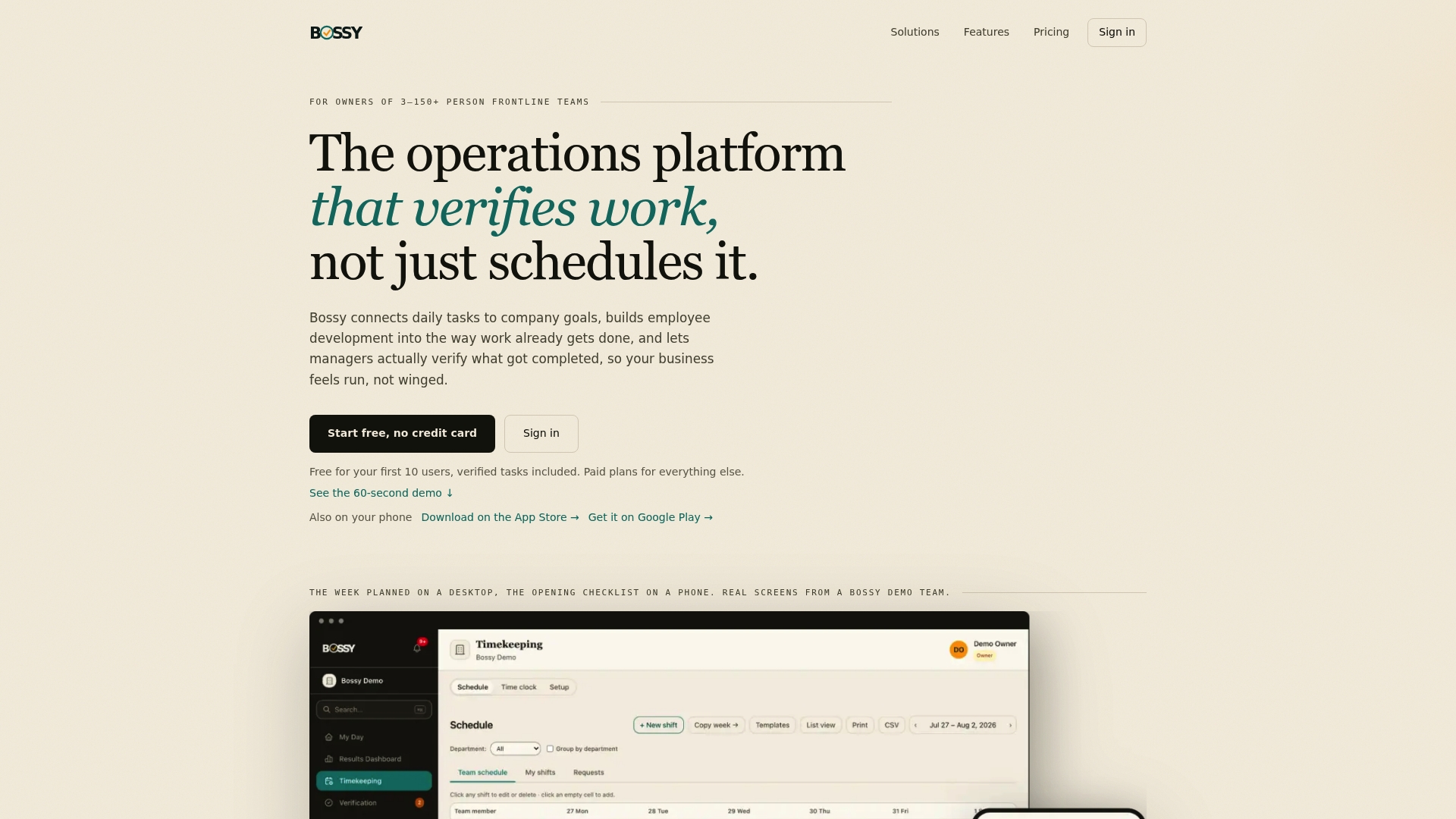
We built Bossy for businesses with frontline teams of 3 to 150 people. It includes team communications (chats, announcements, voice notes and polls), alongside task assignment with photo proof and a manager approval queue, scheduling, recurring checklists and goal tracking. So an announcement about a new closing procedure can sit next to the task that proves it was done. Announcements come with every paid plan. Growth adds team chat (Loop, with its voice notes and polls) and announcements that require an acknowledgement, Operations adds photo proof, scheduling, checklists and goals, and Scale + includes both.
The Free plan covers task assignment and verification but not announcements. Growth is $25 per month, Operations is $30 per month and Scale + is $50 per month. See the pricing page for what each plan includes, or take a look at the features.
Our view: an announcement is a promise you have to keep
It's a pattern you'll recognize from every kind of frontline business. The manager announces a change, everyone says "got it," and two weeks later it's quietly forgotten. That's not a people problem. It's a visibility problem.
Our view is that an announcement should connect to the work. If you tell the team the opening checklist has a new step, there should be a task with that step and a photo that shows it's done. Then you're not guessing, and you're not chasing. You're reviewing.
That's why we put announcements, chats, polls, tasks and goals in the same place. People see what changed, why it matters to the goals you've set, and what they need to do today. When they do it, you see it.
Trust runs on your presence, and you can't be everywhere. A clear message and a way to confirm the result let you hold the line when you're not in the room.
FAQ
How do you announce a new employee to a team?
Send a short message a few days before the start date, or on day one, that covers name, role, start date, a line of background and one personal detail the person approved. Copy the new hire, and add a photo only with their permission. Then introduce them in person at the next huddle.
How long should an employee announcement be?
As short as the news allows. A new hire note works at roughly 150 to 300 words, per Indeed's guidance, and a same-day operational change may need only two or three sentences. Put the key fact first and cut anything that doesn't change what someone does.
How do you announce that a staff member is leaving?
Tell the team within a day or two, in one written message that says who is leaving, the last day and who covers their work. Ask the departing person before you share any reason. Offer private follow-ups for people who have questions.
How do you announce a training session?
Give the course name, date, time, location or link, whether it's mandatory and whether it's paid. Send it two to three weeks ahead when you can, and remind people a few days before. Lead with what they get from it.
Sources
- Organizational Announcements: Best Practices, Examples (Staffbase)
- Example of internal announcement for employees (Sesame HR)
- Employee Announcements You Should Be Sending (Bonusly)
- 9 Examples of Professional Workplace Announcements (Status.net)
- Company Announcements That Do Not Get Ignored (Openbook)
- Communicating policy changes to employees (Cornerstone OnDemand)
- Informing staff about policy changes (AirMason)
- Staff communication guidelines (Health Service Executive, Ireland)
- New Employee Announcement (Indeed)
- Employee Departure Announcement (Indeed)
- New employee announcement templates & examples (Zoomforth)
- How to announce new employees via email (Workshop)
- How to Announce Employee Departure (Lighthouse)
- Employee Leaving Announcement (Pumble)
- How to Talk to Your Team About an Employee Departure (Uptick)
- Mandatory Training Announcement Email (Deel)
- Training Announcement Email Template (TalentLMS)
- 6 Guidelines for Effective Employee Communications (PRSA)
- Why Emotionally Engaging Stories Drive Better Results In Teams
- Manager Handover Checklist for Small Businesses