Best Shift Swap Apps for Frontline Teams in 2026
Christian MontenegroNovember 2, 202611 min read

The best shift swap app is the one your team will actually open, and that your manager can trust at 6 a.m. when someone texts "can anyone cover me?" For a small restaurant, Sling or Homebase-style tools cover the basics. For a bigger or multi-location team, Connecteam, Deputy and 7shifts add more control. If you also want proof that the work got done once the swap happens, Bossy is our pick. Below is how the options compare, what they cost, and how to choose.
TL;DR
- Every serious scheduling app lets employees request a trade or claim an open shift, and managers approve it. The differences are in price model, vertical focus and what happens after the shift.
- Free tiers exist, but they are capped. Connecteam and Homebase list free plans for up to 10 users or employees, per a September 2026 comparison.
- Pricing units differ: per user (Sling), per location (7shifts, Homebase), or per organization (Bossy). Do the math on your headcount before you compare sticker prices.
- Bossy is our pick when you want scheduling, verified tasks and goals in one system, not just a swap button.
- Write a swap policy first. The app enforces rules, but it can't invent them.
Table of Contents
- What a good shift swap app actually does
- The best shift swap and shift trading apps compared
- Match the app to your business
- What the comparison pages don't tell you
- Our perspective
- Try Bossy for your team
- How to choose in five steps
- FAQ
- Sources
What a good shift swap app actually does
A shift swap app moves the "who's covering?" conversation out of group chats and into a place with a record. That's the whole job. But a few details separate a tool you'll keep from one you'll drop in a month.
Here is what to look for:
- Two ways to hand off a shift. A direct trade between two employees, and an open shift anyone qualified can claim. People Managing People's October 2026 shortlist describes Connecteam as supporting both swap requests and open-shift pickup with manager approval.
- Manager approval. Employees propose, you decide. Without this step, swaps quietly produce overtime or an uncovered station.
- Rules that match your business. Role or skill matching, availability, and overtime limits. If a cook swaps with a server, someone's going to be unhappy.
- Notifications that reach people. Push alerts and team messaging, so a request doesn't sit unseen for a day.
- A paper trail. Who asked, who approved, and when. You'll want this the first time two people remember a swap differently.
If you want to write the rules down before you pick software, our shift swap policy rules managers can copy is a good starting point.
The best shift swap and shift trading apps compared
The apps below are the ones that come up most often when frontline managers shop for swapping and trading. An Anywhere comparison from September 2026 lists Buddy Punch, Connecteam, Deputy, Homebase and RotaCloud as letting employees request trades or claim open shifts, and Celayix and Nowsta for short-notice coverage. Zapier's 2026 scheduling roundup adds Sling and 7shifts.
| App | Best for | Pricing model and listed starting price | Free plan |
|---|---|---|---|
| Bossy | Frontline teams of 3 to 150 that want scheduling plus verified work | Per organization, from $25 to $50 per month on paid plans, plus $5 per month per additional user; scheduling and swaps start on Operations at $30 per month | Yes, for task verification (no scheduling) |
| Sling | Day-to-day employee management, mixed industries | Per user, paid plans listed from $2.70 per user per month | Yes |
| 7shifts | Restaurants | Per location, listed from $44.99 per location per month | Check vendor |
| Connecteam | Mixed teams, including field staff | Per plan, see vendor | Up to 10 users |
| Homebase | Small restaurants and hourly shops | Per location, see vendor | One location, up to 10 employees |
| Deputy | Larger hourly teams | See vendor | Check vendor |
Sling and 7shifts prices come from Zapier's May 2026 comparison, and the free-plan limits for Connecteam and Homebase from the September 2026 Anywhere comparison, which itself notes that prices may change. Bossy prices are the ones on our pricing page. Check each vendor's page for the current figure before you commit.
Bossy: swaps inside a bigger system
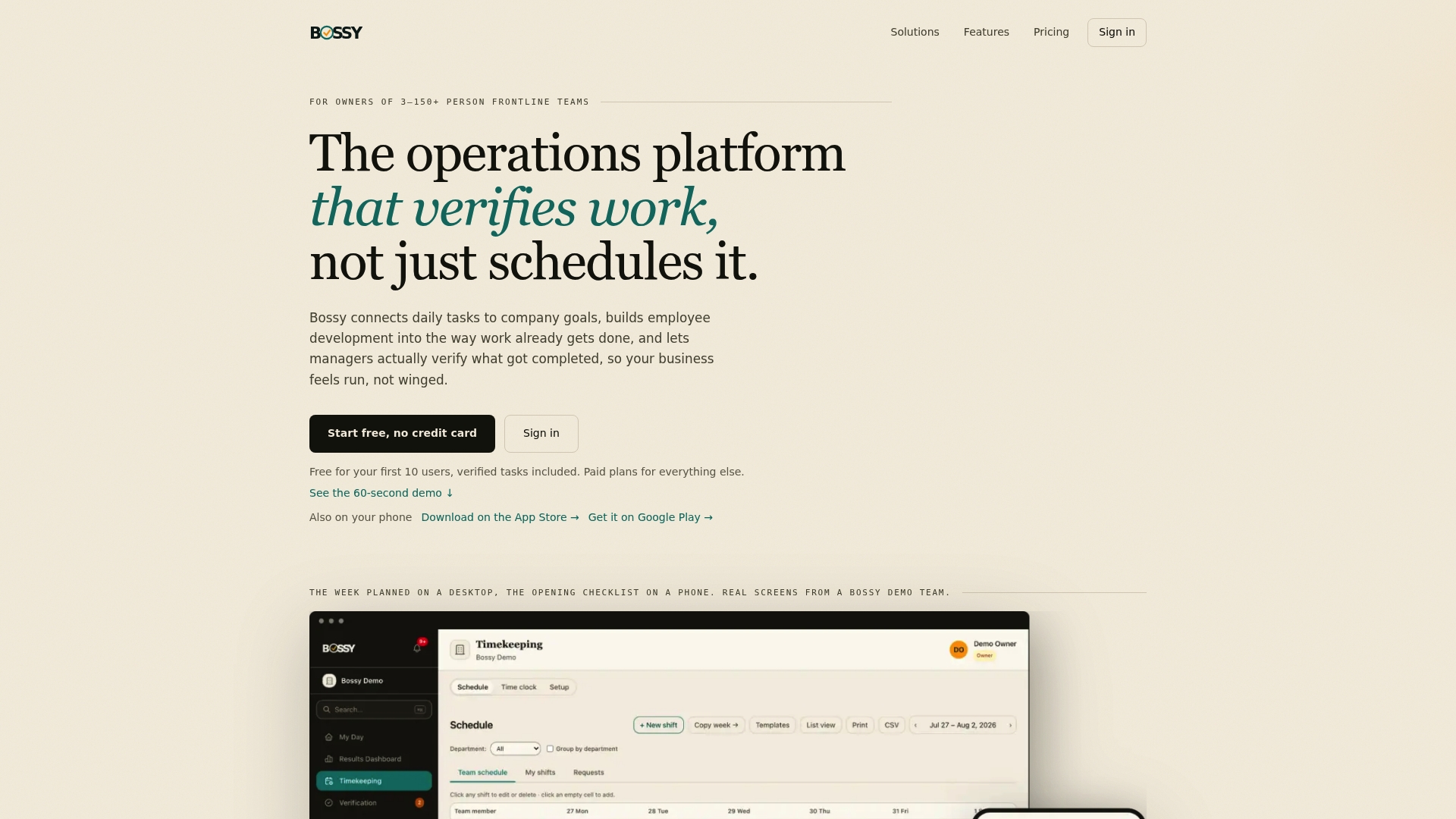
We built Bossy for businesses with 3 to 150 frontline employees where the owner isn't standing over every worker. Scheduling, geofenced time clocks, team chats and announcements sit next to task assignment with photo proof and a manager approval queue.
Why does that matter for swaps? Because a swap is only half the story. Someone picks up Saturday's closing shift. Did the closing checklist get done? Did the walk-in get cleaned? With Bossy, you can hold the person who covers to the same verified tasks as the person who was originally scheduled, so a swap doesn't become a loophole.
Plans, as published: Free, Operations at $30 per month, Growth at $25 per month and Scale + at $50 per month, with $5 per month per additional user above included users. Enterprise is priced on request. We also offer Bossy through Shopify at $79 per month, with everything in Scale +, billed through your Shopify account. Scheduling, shift swaps, the time clock and photo proof come with Operations; team chat comes with Growth; Scale + has both; Free covers task assignment and verification. Our own comparisons with Connecteam, 7shifts and Homebase go feature by feature.

Sling: low per-user cost, simple swaps
Zapier describes Sling as covering role-based scheduling, templates, auto-scheduling, tasks, messaging, shift swaps, availability and clopening detection, with paid plans listed from $2.70 per user per month. It suits teams that want a lightweight scheduler and have a manager who'll handle the rest manually. Per-user pricing is friendly for tiny crews and climbs as you grow.
7shifts: restaurant first
7shifts is built around restaurants. It combines scheduling, time clocking, communications, retention features and, on higher tiers, tip management, and Zapier lists it from $44.99 per location per month. If you run one restaurant and want restaurant-specific labor tools, it's a natural shortlist item. If you're weighing it, our 7shifts alternatives guide covers seven other options.
Connecteam: mixed teams and a free tier
Connecteam lists a free plan for up to 10 users, which makes it a common first stop for very small teams. It handles swap requests and open shifts with manager approval, and it also leans into communication and forms.
Homebase: small hourly shops
Homebase is positioned for small restaurants and mixed hourly shops, with hiring and time-clock tools and a free plan for one location and up to 10 employees. Once you add locations or want more control, pricing moves up per location.
Deputy, RotaCloud, Buddy Punch, Celayix and Nowsta
Deputy, RotaCloud and Buddy Punch all let staff request trades or claim open shifts. Celayix and Nowsta are listed for short-notice coverage, which suits teams where call-outs are the main headache. For that scenario, read how to schedule so you survive a call-out.
Match the app to your business
The right choice shifts with what you run.
- Restaurants and cafes. Swaps happen constantly, and roles matter. Look for role matching and overtime warnings. Restaurant-focused tools like 7shifts are worth a look, and so is our restaurant scheduling software guide.
- Salons and fitness studios. Teams are small and swaps are personal: one stylist covering another's clients. Prioritize simple requests, clear approval and chat in the same place.
- Multi-shop retail. You need consistency across stores. A swap in one location shouldn't break labor budgets in another. See our retail scheduling software page.
- Warehouses. Shift length and certifications matter. Make sure the app can limit swaps to people qualified for the station.
- Agencies. Coverage is usually about client support rotas. A lighter tool with good messaging usually does the job.
A basic sheet works for the very smallest teams. Our employee schedule templates show where that stops working, and when to switch.
What the comparison pages don't tell you
Most roundups stop at the swap button. Four questions decide whether the app still works in month six.

What happens after the swap? Most apps record who's working. Few verify what that person does. If you have missed cleaning or skipped opening steps in the past, a schedule alone won't fix it. Task verification with photo proof will.
How do you count the cost? A per-user price looks tiny until you have 40 hourly staff. A per-location price looks big until you have 25 people at one site. Multiply by your real headcount and number of locations, then add seasonal staff.
Who's allowed to swap? Decide before rollout: notice period, approval by whom, and limits on overtime. We cover this in employee scheduling best practices.
Is it fair? If the same two people always get the good shifts, swaps become a quiet source of resentment. Unequal workloads outside work also shape who needs flexibility; this piece on unequal domestic load and burnout is a useful reminder to look at who is actually absorbing the schedule changes on your team.
Our perspective
We talk to managers every week who tell us the same thing: the swap itself is never the problem. The problem is the Sunday text that says "I got Dana to cover," followed by an opening checklist nobody can confirm.
That's why we don't think of shift swapping as its own category. It's one moment in a longer chain: a goal, a shift, a task, proof it's done. When you link daily tasks to company goals and check the work with photo proof, a swap stops being a risk. Whoever steps in knows what "done" looks like, and you can see it.
Owners also don't need ten separate tools. Scheduling, time clocks, inventory, team chat and development tools like 1-on-1s and feedback live better in one place, priced for a team of 5 or 100. Trust runs on your presence, and a good system lets you hold the line when you're not in the building.
Write that down as a rule: pick the app that makes your Tuesday morning easier, not the one with the longest feature list.
Try Bossy for your team
If swaps are the symptom and accountability is the disease, start where it hurts. Bossy's Free plan lets you set up your team and verified tasks without a credit card conversation. Scheduling and shift swaps come with the Operations plan at $30 per month, and paid plans run from $25 to $50 per month with $5 per month per additional user, all listed on our pricing page.
Want to see the whole picture first? Visit Bossy.
How to choose in five steps
- Count people and locations. This decides whether per-user, per-location or per-organization pricing wins.
- List your swap rules. Notice, approval, overtime, role limits. Use these as a checklist in every demo.
- Test on a real week. Put one real schedule in two apps and ask staff to request a swap on their phones.
- Check what comes after the shift. Do you get proof of work, a record, a way to give feedback?
- Re-confirm pricing. Vendors change plans. Check the official page the day you buy.
FAQ
What is the best free shift swap app?
Free plans are capped. A September 2026 comparison lists Connecteam free for up to 10 users and Homebase free for one location with up to 10 employees. Bossy also has a Free plan, but it covers task verification; Bossy's scheduling and shift swaps start on the Operations plan at $30 per month. Pick the one whose limits match your team, then check the vendor's current terms.
What's the difference between a shift swap and an open shift?
A swap is a trade between two employees, who agree and then ask the manager to approve. An open shift is posted to the team, and a qualified employee claims it. Most leading apps support both, with manager approval as the safeguard.
Do managers need to approve every swap?
We'd say yes, at least at the start. Approval lets you catch overtime, missing skills or uncovered stations before they happen. Once the team shows it follows your policy, some managers loosen the rules for same-role swaps.
How do I stop swaps from causing overtime?
Set clear rules on notice and weekly hours, and use an app that shows the impact before you approve. Some tools flag problems such as clopening shifts. Combine that with a written policy so staff know the limits in advance.
Sources
- 10 Best Shift Management Software Tools in 2026, Anywhere
- 10 Best Employee Shift Scheduling Software Reviewed, People Managing People
- The best employee scheduling software in 2026, Zapier
- The Hidden Burnout Risk in Your Team, ELIS Advantage