Par Levels Setup: A Step-by-Step Guide for Managers
Christian MontenegroNovember 11, 202615 min read

Setting up par levels comes down to one number per item: the amount you want on the shelf right after a delivery. You get it from how much you use, how long a delivery takes, and a small cushion for surprises. Put those numbers on a par sheet, count against it on a fixed schedule, and order the gap. That's the whole system. The hard part isn't the math. It's keeping the numbers honest once you're busy.
This guide walks you through it in order, with worked examples, a sheet layout you can copy, and the habits that keep par stock levels from going stale.
TL;DR
- A par level is the quantity of an item you aim to have on hand after each restock. Order the difference between par and what you counted.
- The common formula is (average daily usage × lead time in days) + safety stock. If you get deliveries on a fixed schedule, divide by deliveries per period instead.
- A workable par sheet has item, unit, par, on-hand, order quantity, extra par for events, and notes.
- Pars drift. Review them on a calendar, give each category one owner, and trust only counts you can verify.
- On its Operations plan, Bossy lets you assign the count as a task, ask for photo proof and approve it from a queue, so the numbers feeding your pars are real.
Table of Contents
- What a par level actually is
- Before you touch a formula: get your inputs straight
- Par levels setup, step by step
- Build a par sheet your team will actually use
- Make the counts trustworthy
- Give every category an owner
- Review and adjust your pars over time
- Common mistakes in par levels setup
- Our perspective
- Put your par routine on autopilot with Bossy
- FAQ
- Sources
What a par level actually is
A par level is the amount of a product a business aims to have on hand at a set point, such as opening time or the day before a delivery, according to RetailCare's glossary. You'll also hear it called par stock, par stock levels or a minimum stock level. A Penn State hospitality textbook describes par stock as the amount of an item needed to meet an operation's needs for a specified period, which then becomes your ordering guide.
Think of it as a floor and a target at the same time. You never want to dip below it without ordering, and when you do order, you bring stock back up to it. Many bars go one step further and use two pars, a low one that triggers a reorder and a high one that caps what fits on the shelf, as Spec's glossary explains.
One more thing people mix up: par and reorder point aren't the same thing. Par works on a schedule. You count on a fixed day and top up to target. A reorder point has no schedule. You set a trigger quantity and order when stock hits it. Zoho's inventory academy calls these periodic review and continuous review. Most restaurants, salons and studios with weekly supplier drops run on par, because it fits how deliveries really arrive.

Before you touch a formula: get your inputs straight
Par math is only as good as three inputs. Gather them first and the rest is easy.
1. Average usage per day (or per week). Not what you bought. What you used. Pull it from your last four to eight weeks of counts or sales, and note any odd weeks (a holiday, a private party, a closed day).
2. Lead time. The days between placing an order and having the product on the shelf. A four-day lead time needs far more stock on hand than a next-day one, so write down the real number for each supplier, not the number they promise.
3. Delivery schedule. Does the supplier drop every Tuesday and Friday, or whenever you call? Fixed schedules and flexible ones use slightly different formulas, which is next.
If your counts are shaky, fix that first. Brik puts it plainly: the par cycle only works on counts you trust. Our 10 step inventory cycle count playbook is a good place to start if your counting routine is more habit than system.
Par levels setup, step by step
Step 1: List and group your items
Start with a spreadsheet of what you stock. Many POS systems let you export it. Group items by category (produce, dairy, dry goods, towels, retail shelf stock, cleaning supplies) and by storage location. Delete anything you rarely order. You can add it back later.
Don't try to set pars for every last spice on day one. Start with your quickest-moving and most expensive items. They cause the most pain when you run out and tie up the most cash when you overbuy.
Step 2: Calculate average usage
Take your usage over several weeks and divide by the days you were open. Say you went through 140 lb of chicken in four weeks across 28 open days. That's 5 lb a day. Use the same unit every time. If you count chicken in pounds, order it in pounds, or write the conversion into the sheet.
Step 3: Pick the formula that fits your deliveries
There are two main versions. Both show up across industry guides, so choose the one that matches how you really get stock.
Lead-time formula (flexible or longer lead times):
Par level = (average daily usage × lead time in days) + safety stock
Toast's example: 100 burgers a day with a three-day lead time plus 50 patties of safety stock gives a par of 350 patties.
Fixed-schedule formula:
Par level = (average usage per period + safety stock) ÷ deliveries per period
This is the hospitality version as Zoho states it. Binwise gives the same structure and adds a useful reminder: order enough to get back up to par, not the par number itself.
A quick comparison:
| Situation | Formula to use | Example |
|---|---|---|
| Supplier delivers any day you call, 3-day lead time | (Daily usage × lead time) + safety stock | (100 × 3) + 50 = 350 |
| Supplier delivers on fixed days | (Usage per period + safety stock) ÷ deliveries per period | Adjust per delivery cycle |
| Simple items, no lead time | Standard usage + safety net | 20 bags + 10% = 22 bags |
That last row comes from a Toast walkthrough of a par inventory sheet: 20 bags of french fries plus a 10% safety net of 2 bags gives a par of 22 bags.
Step 4: Add safety stock without overdoing it
Safety stock is the cushion for a busy weekend, a late truck or a miscounted case. Published advice varies. Zoho notes that around 25% is common and that guidance ranges from 10% to 30%. ShelfCount's cafe template suggests 10% to 20% for steady items.
Here's a practical way to choose:
- Steady, cheap, non-perishable items: lean toward the low end, or even the high end if running out would stop service.
- Perishables: lean low. A bigger cushion means more in the bin.
- Items that would shut you down if you ran out: go higher and review often.
Step 5: Work one example all the way through
Let's say you run a cafe and want the par for whole milk in gallons.
- Average usage: 6 gallons a day
- Supplier delivers twice a week, and the real lead time from order to shelf is 2 days
- You want about a 20% cushion
Par = (6 × 2) + 20% of that = 12 + 2.4 = 14.4, so you round up to 15 gallons.
Now your Monday count shows 4 gallons on the shelf. Order = par minus on-hand = 15 − 4 = 11 gallons. Tuesday's delivery lands, you're back to 15, and the cycle starts again. Rounding up matters. ShelfCount's own template uses a round-up step for exactly this reason.
Build a par sheet your team will actually use
A par sheet is just a list of items with a par level next to each. Keep it simple enough that a new hire can fill it out at 6 a.m.
A workable layout from Witsend Solutions uses seven columns: item, unit, par, on-hand, order quantity, extra par for known events, and notes. They also make a point worth copying: the order quantity is always par minus on-hand, never a flat number someone types in.
Other templates add a few columns. TouchBistro's restaurant template includes category, product code and an emergency quantity. Lightspeed's version adds the logic in one line: par minus current inventory, plus any emergency or special-use supply, equals the order amount.
Here's a starter you can copy:
| Item | Unit | Par | On-hand | Event extra | Order | Notes |
|---|---|---|---|---|---|---|
| Whole milk | gallon | 15 | 4 | 0 | 11 | Delivery Tue/Fri |
| Burger patties | each | 350 | 120 | 50 | 280 | Holiday weekend |
| Fry bags | bag | 22 | 9 | 0 | 13 | Check freezer shelf 2 |
If you run a bar, consider two sheets. A Bar Above describes an inventory par (total across the building, used for weekly ordering) and a par for the bar itself (what you need behind it before a shift starts). The same split works in a salon: a back-room par for color and supplies, and a station par for what each chair needs before the first client.
Keep the sheet short
Every column you add is one more thing someone skips on a slammed morning. If a field never changes a decision, cut it.
Make the counts trustworthy
Every par system rests on one assumption: the count is right. A par ordering process assumes the count is accurate, and careless counts produce poor orders, as RetailCare notes. In a spreadsheet, the HOPS team points out, par is a column compared by hand with a count column, and if either is out of date, the result is wrong.
A few habits fix most of it:
- Count at the same time, the same way. Before opening, or right before the delivery, every time.
- Count the same way for each unit. Cases versus each is where most mistakes hide.
- Make someone sign for it. An unowned count is a guess.
- Verify now and then. A photo of the shelf attached to the count settles arguments fast.
This is where an operations tool earns its keep. In Bossy you can set the count up as a recurring task, ask for photo proof, and have a manager approve it from a queue. You see that the count was done, not just that someone ticked a box. If you're running more than one site, our five step rollout for multi location inventory shows how to do it without spreadsheets. And a quick side note on money: how you value the stock you count (FIFO, LIFO or weighted average) is a separate question, covered in this overview of inventory valuation methods.
Give every category an owner
Pars don't maintain themselves. Witsend advises one accountable person per category, such as the kitchen manager for food and the bar manager for liquor, with a named backup for vacations. That keeps the number from belonging to everybody and therefore nobody.
Write it on the sheet. Put the owner's name at the top of each category, and have them approve the weekly order. When the owner is out, the backup steps in with the same sheet.
Review and adjust your pars over time
You only do the heavy math once to find your baseline. After that, you tune. Zoho warns that setting par once and forgetting it is a common mistake, because usage drifts and a par nobody revisits slowly stops matching reality.
Brik lays out a weekly cycle that's easy to run:
- Stocktake. Count what's on hand, the same way each time.
- Variance. Compare what you used against what you expected.
- Adjust par. If a line keeps running short, lift it. If it keeps carrying surplus, drop it.
- Order. Par minus on-hand, respecting supplier minimums and drop days.
- Next stocktake. Round again.
The variance step is where you learn. An item that runs out three weeks in a row is telling you the par is too low. One that always has a surplus is telling you it's too high and tying up cash.
When to review
HOPS suggests a calendar prompt to review pars at least when:
- the seasonal menu or service list changes,
- a supplier changes its delivery schedule,
- a product's usage changes significantly, or
- storage capacity changes.
They estimate a scan of problem items against recent usage takes about thirty minutes. Witsend adds that review cadence should match velocity: weekly for fast-moving perishables, monthly or quarterly for slow or high-cost items.
One caution from Apicbase: don't assume lead time and usage are the same at every location. If you run multiple sites, set pars per site and compare. Our guide to fixing inventory tracking for retail teams covers how to keep that consistent.
Common mistakes in par levels setup
- Using purchases instead of usage. You may have bought extra last month. That isn't demand.
- Ordering the par number. You order the gap between par and on-hand.
- One par for every day. A Friday isn't a Tuesday. Use the event-extra column for known spikes.
- No owner. Without one, nobody revisits the sheet.
- Too many items at once. Start with the top movers and grow.
- Ignoring storage. A par that doesn't fit on the shelf will end up on the floor.
If you're in a restaurant, a tight prep list pairs well with pars because it ties daily prep to what's actually in stock. Here's a copyable restaurant prep list to start from.
Our perspective
Plenty of owners set pars once, print the sheet, and watch it quietly stop working. The formula is never the problem. The problem is that nobody can say for sure the count was done, who did it, or whether the shelf looked the way the sheet says.
That's why we built Bossy around verification. A count is a task with an owner, a due time and photo proof, and a manager approves it before the numbers drive an order. Your goals sit above those daily tasks, so "keep waste under control" turns into "count the walk-in by 9 a.m." and someone can see whether it happened.
If you don't oversee every worker yourself, trust can't run on your presence. It runs on a system that shows the work got done. Pars are a great example. Get the counting routine right and the rest of the system follows.
Put your par routine on autopilot with Bossy
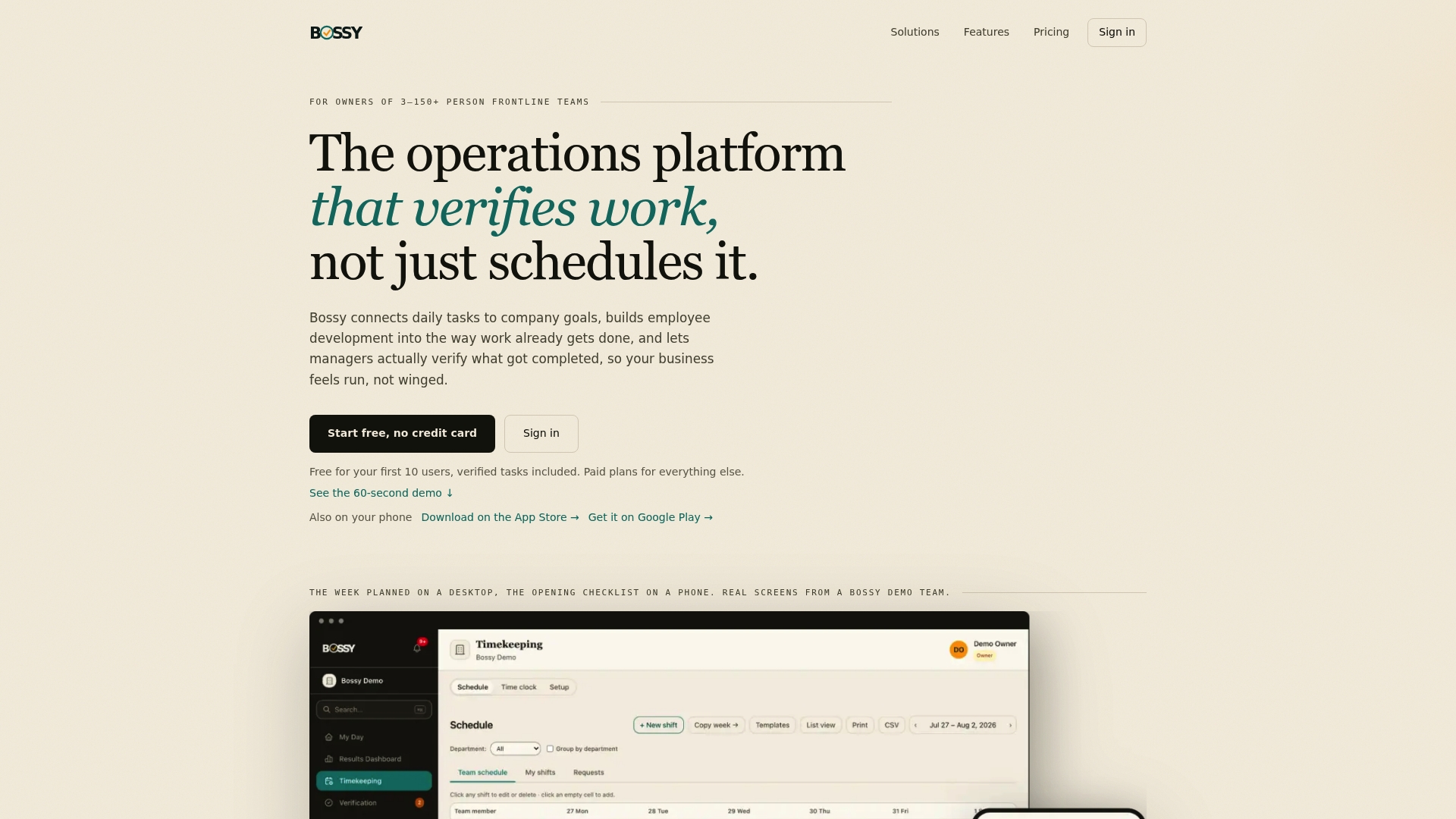
Bossy is an operations platform for businesses with 3 to 150 frontline employees. It combines recurring checklists, task verification with photo proof and a manager approval queue, stock counts, ordering and transfers, team chat, and analytics in one place. That means your par count can be a scheduled task, your approval can happen in one queue, and your weekly review can sit on your dashboard.
You can start on the Free plan, which covers task assignment and verification, and move up when you need more. Inventory, recurring checklists and photo proof come with Operations at $30 per month (and Scale + at $50 per month, which adds Growth's team chat and development tools). Paid plans are listed on our pricing page, with each additional user at $5 per month. Not sure where to begin? Read our guide to going live with a restaurant inventory app in three weeks, or look at what inventory software costs in a first year before you decide. If your orders go through purchasing, our purchase order workflow guide is the next step.
FAQ
How do you calculate par level?
Multiply your average daily usage by your lead time in days, then add safety stock. For example, 100 burgers a day with a three-day lead time plus 50 patties of cushion gives a par of 350. If your supplier delivers on fixed days, add usage and safety stock for the period and divide by deliveries per period instead.
What is another name for par level inventory?
You'll see it called par stock, par stock levels, par inventory level or minimum stock level. Some sources also call the pairing of a minimum and maximum a min/max level, and the word PAR is often expanded as Periodic Automatic Replenishment.
What does "par sheet" mean?
A par sheet is a list of your items with a par level next to each, plus columns to record what's on hand and what to order. Bars sometimes call it a stock sheet. A basic one has item, unit, par, on-hand, order quantity, event extra and notes.
How often should I change my par levels?
Review them on a set schedule and whenever something changes, such as a new menu, a new supplier schedule or a clear shift in usage. Fast-moving perishables deserve a weekly look. Slower or high-cost items can wait a month or a quarter.
Sources
- RetailCare: What is Par Level?
- Penn State: Managing Inventory Control and Procurement
- Spec: What is a Par Level?
- Zoho Inventory: PAR Level Formula
- Brik: Par Levels Explained
- Toast: Par Level Meaning
- Binwise: How to Set Par Level Inventory
- Toast: How to Set Up a Par Inventory Sheet
- ShelfCount: Free Par Sheet Template
- Witsend Solutions: Inventory Par Levels
- TouchBistro: Restaurant Par Sheet Template
- Lightspeed: Par Inventory Sheet
- A Bar Above: Par Levels and Par Sheets
- HOPS: How to set par levels
- Linkware: Inventory valuation in an ERP